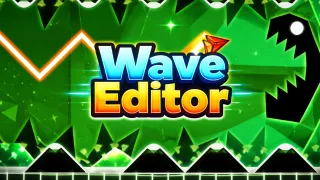
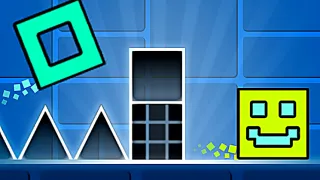
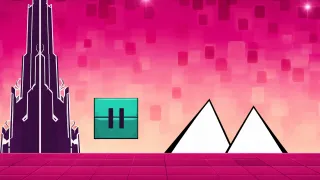
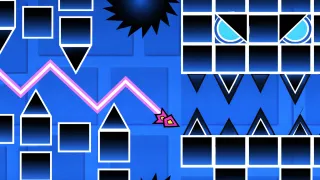
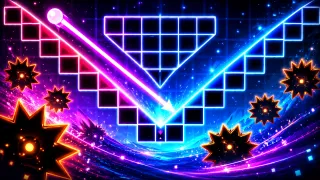
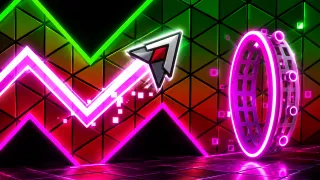
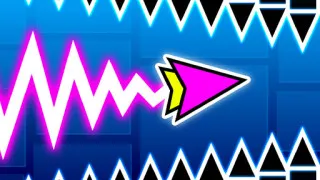
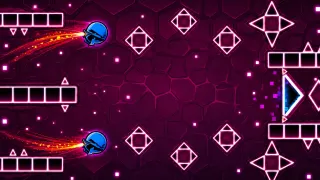
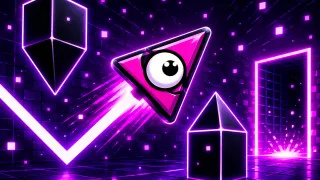
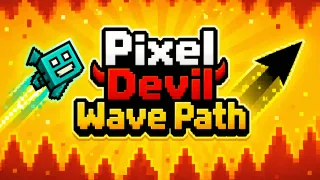
Wave Editor is a creative version inspired by the Wave mode in Geometry Dash. Place obstacles, portals, and blocks, test your skills, and design challenging waves!
CREATE YOUR OWN GEOMETRY DASH WAVES
Unlike other wave games, where you only play, Wave Editor allows you to design your own levels. Place blocks, saws, speed portals, and directional portals to build unique, challenging wave paths. Players can experiment with difficulty, create intricate patterns, and test their reflexes while controlling waves. The editor allows full freedom, and you can make levels easy, difficult, or even seemingly impossible.
Powerful Level Editing Tools
Obstacle Placement: Add blocks, saws, and other hazards to challenge players.
Portals: Change the speed or direction of the wave for dynamic gameplay
Drag and Drop: Move objects anywhere on the map using LMB or your finger.
Screen Navigation: The two-arrow button lets you move across the level for larger builds.
Settings and Customization: Change background colors to make your level visually unique.
Delete Tool: Remove obstacles easily using the trash can button.
Tips to Master
Start simple and gradually increase difficulty.
Experiment with different portal and speed combinations.
Use saws and gaps strategically to create rhythm-based challenges.
Test each section multiple times to balance fun and difficulty.
Controls
Play Button: Test your creation immediately.
Wave Control: Hold LMB to fly up, release to move down
Create your own wave levels in Wave Editor! Start creating levels that test your skills and imagination! Check out Geometry Smash and Wave God 2.2 to enter a similar platform.